Write about it.
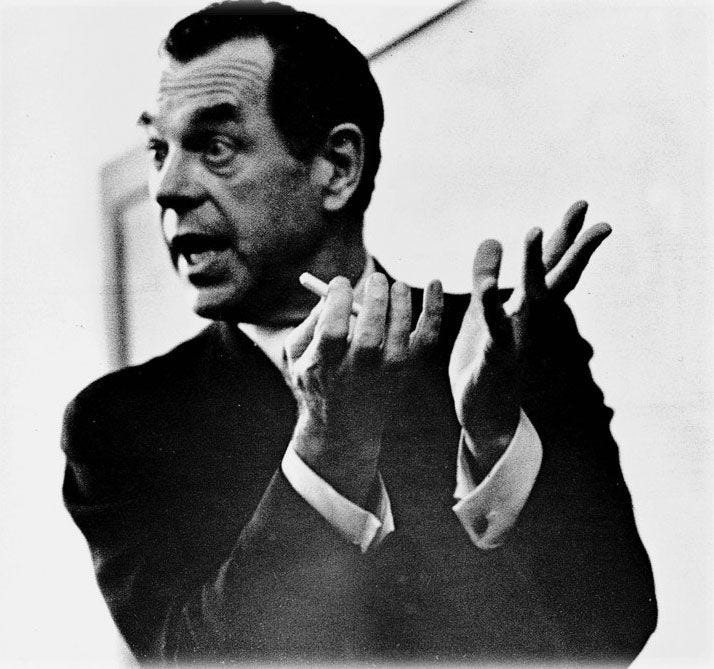
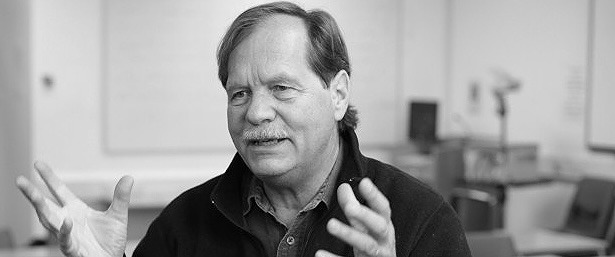
Joseph Campbell, a mythologist, professor, and writer of the seminal "The Hero with a Thousand Faces."
The StoryShaper
an idea development tool for storytellers
With the power of the Hero's Journey model, combined with the simplicity of a mind-mapping interface, The StoryShaper gives you a wealth of narrative tools within a simple and organised workspace, so you can focus on your storytelling rather than your workflow.
placeholder for App Store link (Optimised for iPad)
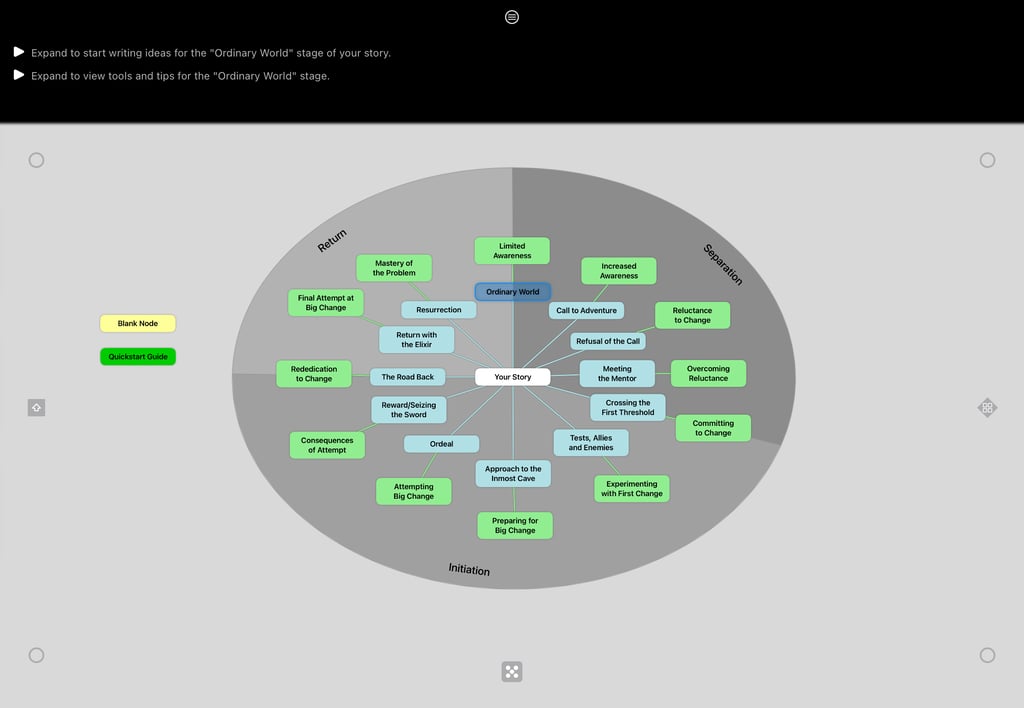
The StoryShaper's User Interface
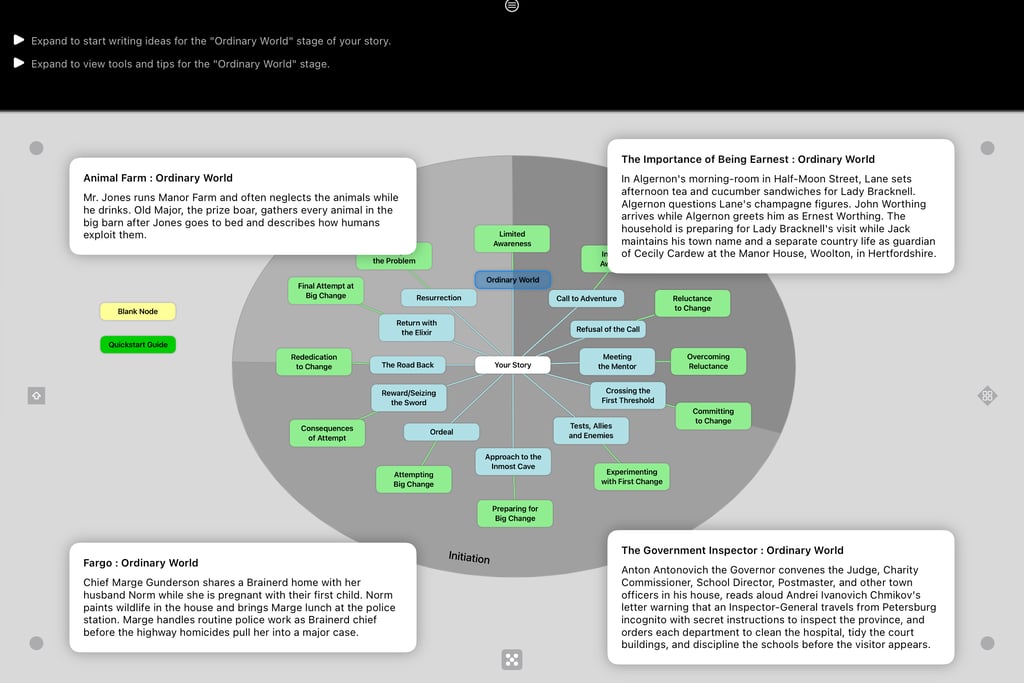
In this image, the Ordinary World stage is selected in the canvas, which syncs to the note section's Ordinary World stage. All stages have their own note section for your story, along with expandable tips and tricks for each stage. You can slide the dividing bar up and down to almost full-screen for a clean writing space. You can export and share your Note Sections as .pdf, .txt, or .md files.
Streamline it.
Christopher Vogler, a story consultant, educator, and author of the hugely influential "The Writer's Journey: Mythic Structure for Writers."
Get a backbone, or narrative spine.
Joseph Campbell's "Hero's Journey" (or monomyth), as explained in "The Hero with a Thousand Faces," is a model of narrative structure. Campbell developed this model based on exhaustive research of narratives from different cultures all over the world, spanning from antiquity to present times. In brief, he discovered that all stories share a universal structure that highlights a common, repeating narrative pattern of a hero (protagonist) who departs their ordinary world, is initiated into the special world, then returns home with new found knowledge/reward to share with their community.
Christopher Vogler streamlined Campbell's complex 17-stage Hero's Journey to a 12-stage model in his book "The Writer's Journey: Mythic Structure for Writers." Vogler's Hero's Journey model has 12-stages for the external journey (plot), and a corresponding 12-stage internal journey (character arc). The StoryShaper uses Vogler's model as its theoretical base.